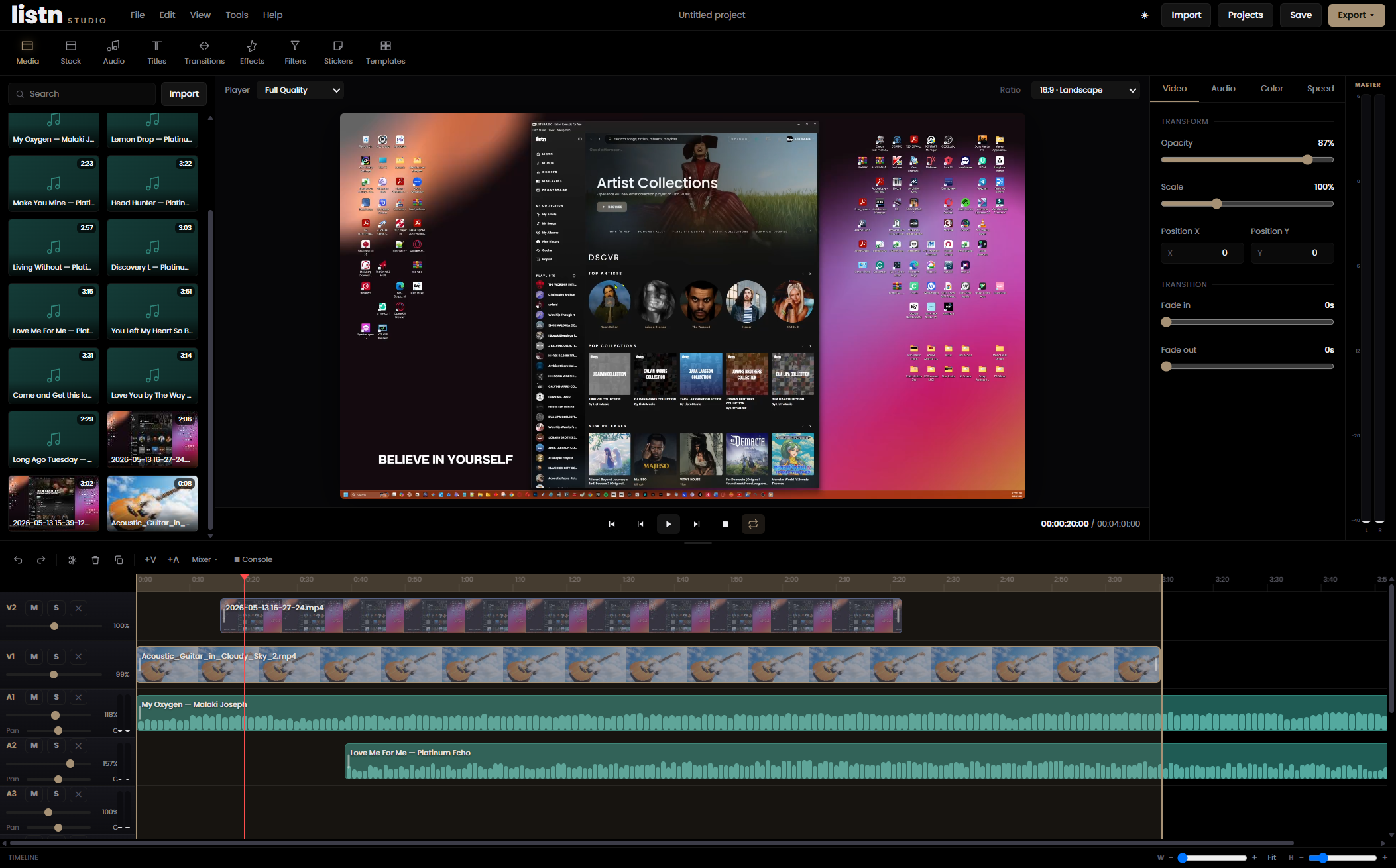
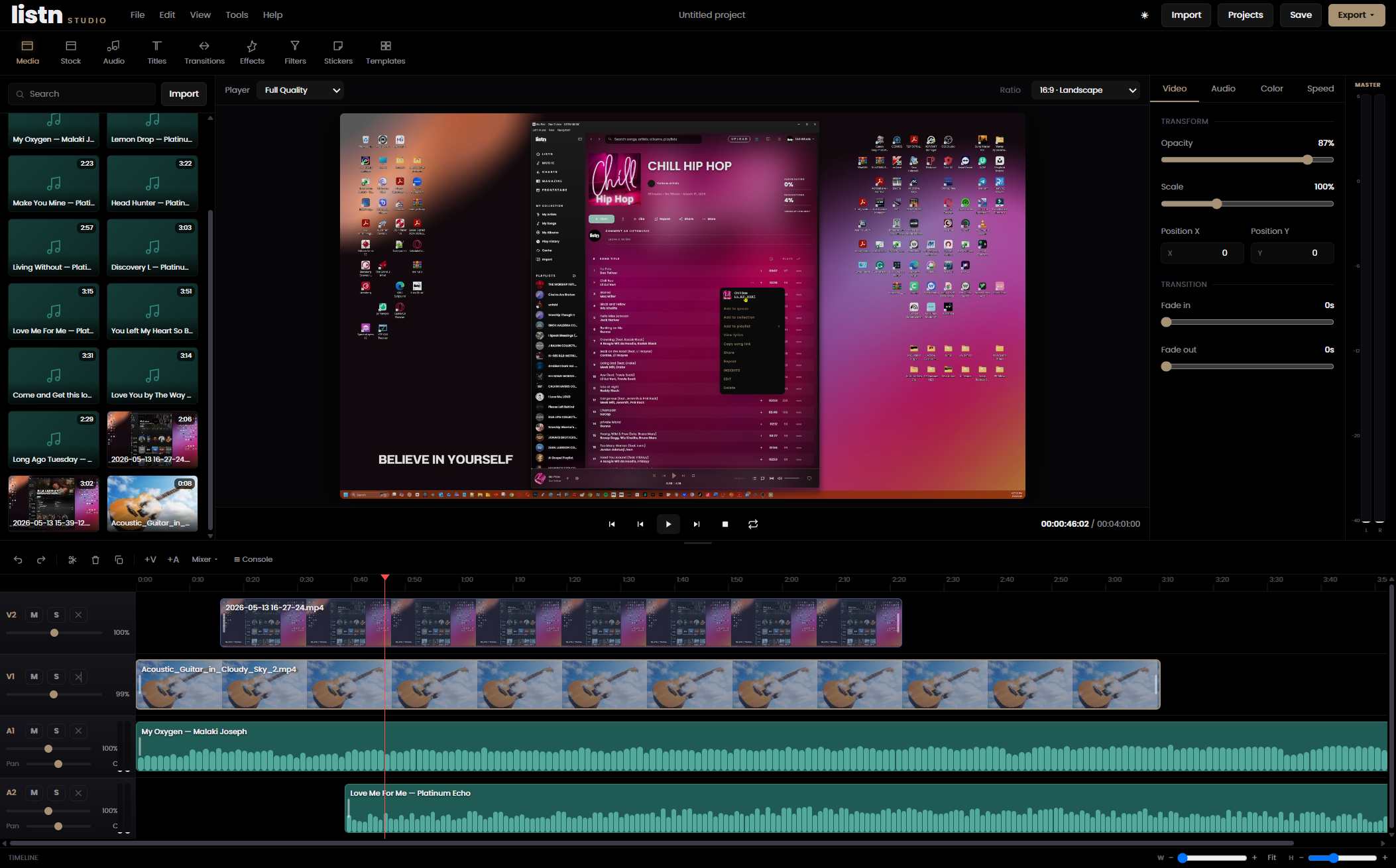
A browser-based video editor built right into Listn Music. Drag in claim-free tracks from the catalog, mix them like a console, grade your shots, and export to MP4 — without leaving the page or chasing a single license.
Browser-based — no install·Listn Music catalog inside·Pro mixing & metering·One-click MP4 export
What's inside
Everything you need to score and ship a video.
Most editors make you leave to find music and clear it. Listn Studio is the other way around — the catalog is part of the timeline.
Claim-free music, built in
Every track in the Listn catalog is one drag from your timeline — already cleared for sync, no takedowns, no chasing rights.
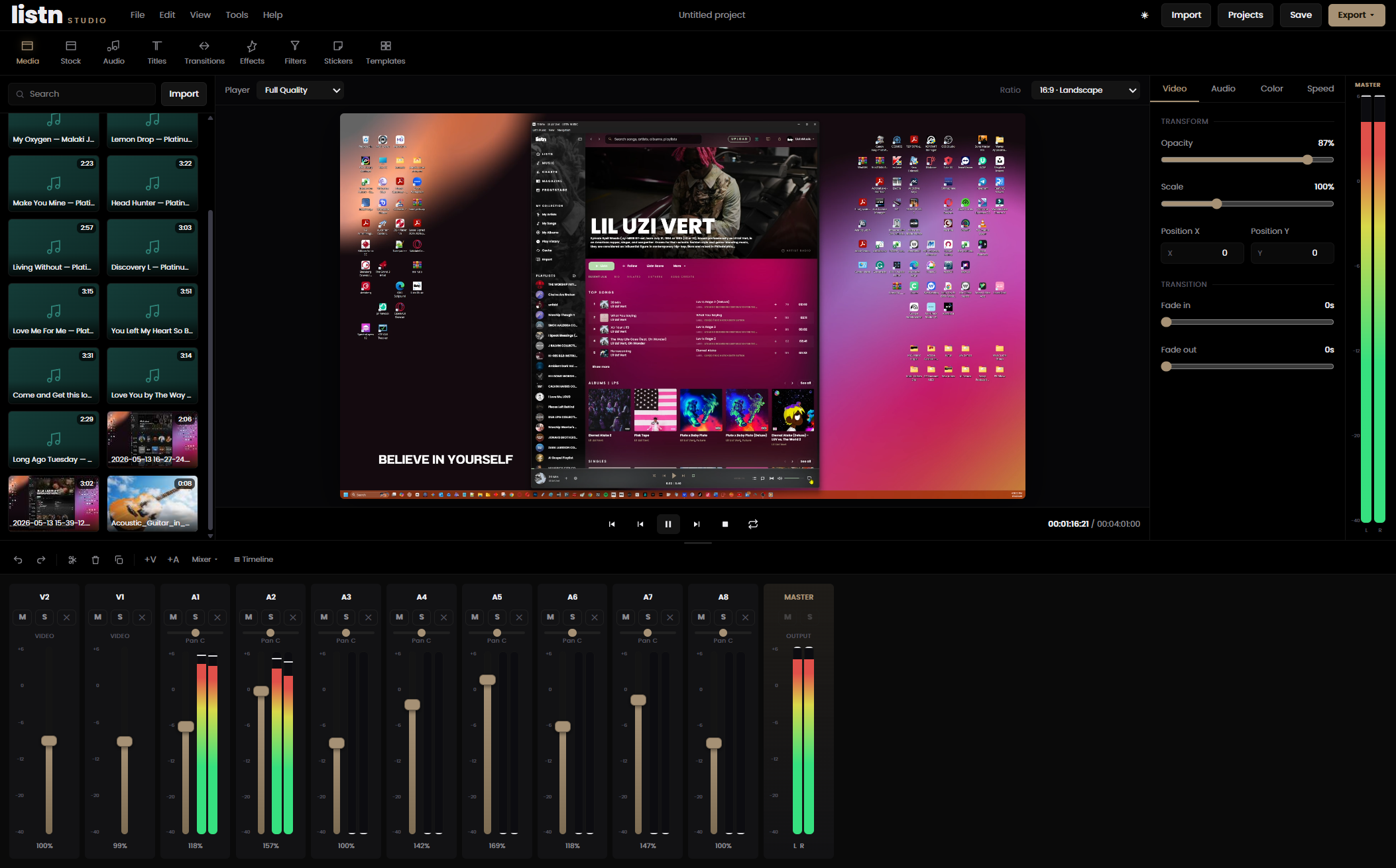
A real mixing console
Per-track faders, pan, solo and mute with live stereo metering. Flip to Console view for a full board across every track.
Color & looks
Grade any clip with brightness, contrast and saturation, or drop on a one-click look. What you see in the preview is what exports.
Speed control
Re-time any clip from 25% to 400%. The slot stretches or shrinks on the timeline and the audio stays pitch-corrected.
Multi-track timeline
Stack video and audio, trim, split, fade, and loop a section while you work. Drag the loop band to rehearse just one part.
One-click export
Render straight to MP4 and download. No installs, no plugins, no watermarks — and your source files stay on your machine.
The console
Mix like it's a studio, not a video app.
Listn is a record label first, so the editor treats sound like one. Switch to Console view and every track becomes a channel strip — fader, pan, solo, mute, and a live meter that moves with the mix.
Per-channel faders with stereo metering and peak hold
Solo and mute to audition any track instantly
A master section so your final mix sits right
How it works
From footage to finished MP4 in three moves.
01
Import your footage
Drag in your video and images. Your raw files stay on your machine — Studio works from them in the browser.
02
Score it from the catalog
Browse claim-free tracks and drop them onto audio tracks. Trim, fade, and mix until it feels right.
03
Export your video
Hit render and download a finished MP4, music cleared and baked in, ready to post anywhere.
Look & feel
Grade it once. See it everywhere.
Push brightness, contrast and saturation, or apply a look like Cinematic, Warm, or Teal-Orange. The preview shows the exact grade the render produces — no guessing, no surprises on export.
Ten one-click looks, tuned for video
Preview matches export, frame for frame
Title cards, transitions and fades
Included with Enterprise Only
Open the studio and start cutting.
Listn Studio comes with every Enterprise plan, or add it to any plan. No installs, no licensing headaches — just open it in your browser and go.