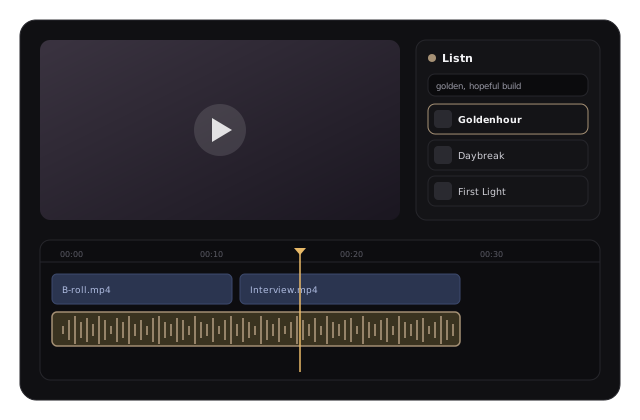
Search your Listn catalog by scene, preview instantly, and drop tracks straight into Premiere Pro, After Effects, and DaVinci Resolve — claim-free.
No folders to find, no settings to dig through.
Grab the installer for your editor below.
Double-click the installer — it puts the panel in place for you.
Restart your editor and open Listn from the Extensions menu.
Find a track, preview it, and drop it straight onto your timeline — no bouncing between tabs, browser windows, or download folders.
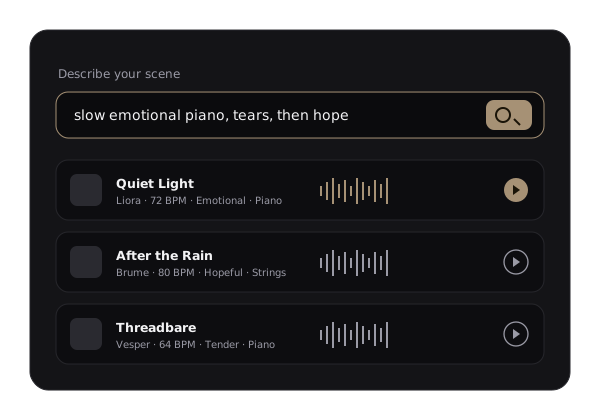
Describe the moment — “slow emotional piano, then hope” — and Listn surfaces tracks that fit the feel. Filter by energy, tempo, and vocals to narrow it instantly.
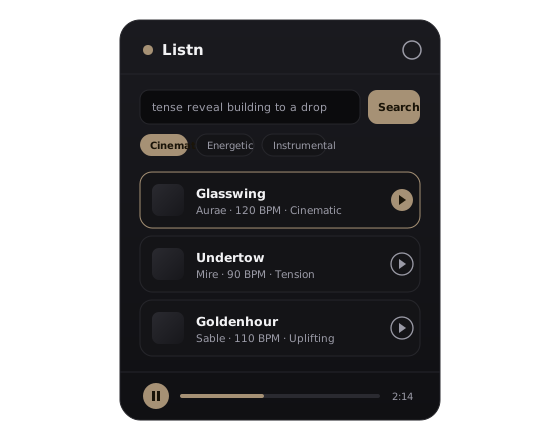
Audition full tracks right in the panel. When one fits, import it to your project in a single click — no exporting, downloading, or re-importing.
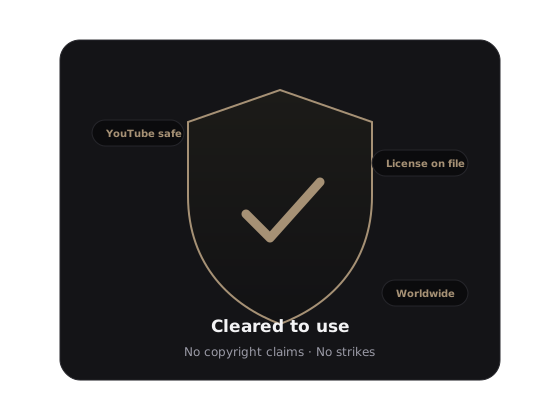
Every track in your Listn catalog is cleared to use — no copyright claims, no strikes, no takedowns. The license is on file the moment you import.
Plug Listn into Premiere Pro, After Effects, or DaVinci Resolve and score your projects faster.
Download the pluginRestart your editor first. In Premiere Pro or After Effects, open Window → Extensions → Listn for Editors. In DaVinci Resolve, open Workspace → Workflow Integrations → Listn for Editors.
Premiere Pro and After Effects 2020 or newer. DaVinci Resolve requires the Studio (paid) version — workflow plugins don’t load in the free edition. A Listn account is needed to sign in.
Straight into your project’s media pool / project bin, ready to drag onto the timeline.
Yes. Everything in your Listn catalog is cleared to use, with the license on file — safe to publish, including on YouTube.
Copy WorkflowIntegration.node from Resolve’s developer examples (Help → Documentation → Developer) into the plugin folder, then restart Resolve. The installer tries to do this automatically, but some setups need it by hand.